Did you know...
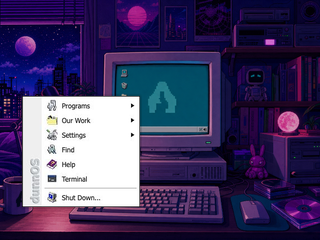
To open a program, click the Start button, then choose its icon from Programs.
To open a program, click the Start button, then choose its icon from Programs.
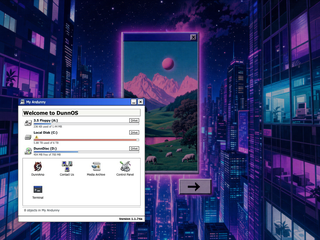
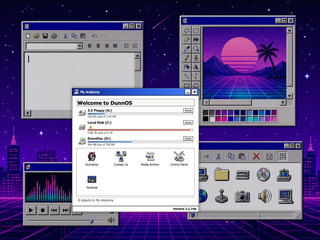
Open My Andunny to find drives, utilities, and system shortcuts.
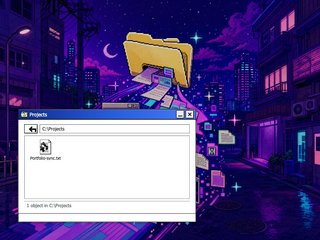
Open Projects to browse case files, experiments, and builds.
Portfolio files show project notes, images, and links.
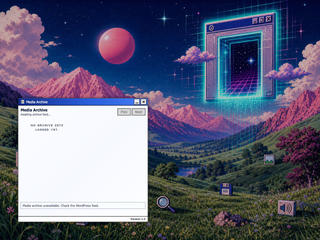
Use Prev and Next to move through a project's images.
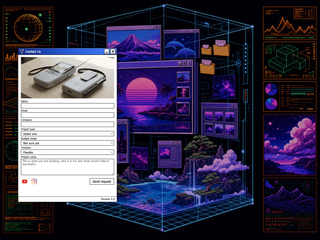
Use Contact Us when you want to start a project or send a note.
Try DunnText, Paint, Calculator, and DunnAmp from My Andunny or Start.
Click around, open Start, and see what the desktop remembers.
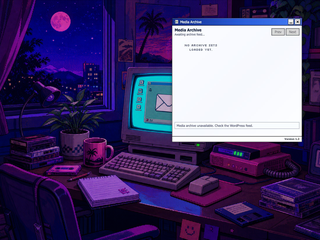
Curated project notes, role, and links will appear here once the portfolio feed is connected.
Choose a tool, size, and color.
Drag on canvas to draw shapes or strokes.
File > Save stores a JPG in Documents.
DunnOS Terminal v1.2
Type HELP for available commands.
Delete these items permanently?
Are you sure? All unsaved data will be lost.
Use this image as the DunnOS background?
Use this as the dunnOS background?
Use this as the dunnOS background?
Use this as the dunnOS background?